
01 / 04
Turn a comment into a customer conversation.
Someone asks about pricing under a post. A reply and a price list in Direct follow. You choose the posts, keywords and messages for every step.

No more last-minute topics, scattered drafts or replies written in a rush.
Keep content and audience conversations in one calm workflow.


Create content, plan your posts and keep the conversation going.
More time for the business you’re building.
Someone asks about pricing under a post. A reply and a price list in Direct follow. You choose the posts, keywords and messages for every step.
Describe a topic, review the script and create a series that feels like your brand — with clear copy and a visual for every slide.
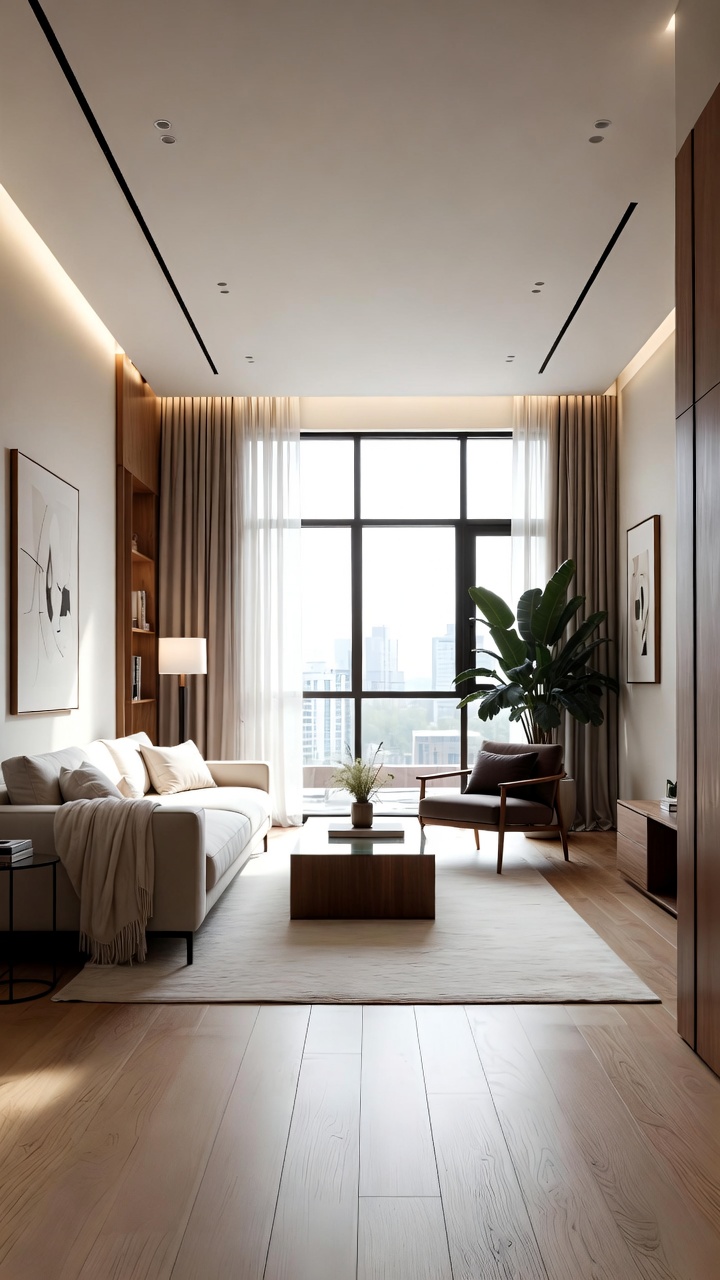 Room to breathe01
 Warm light. Quiet moments.02
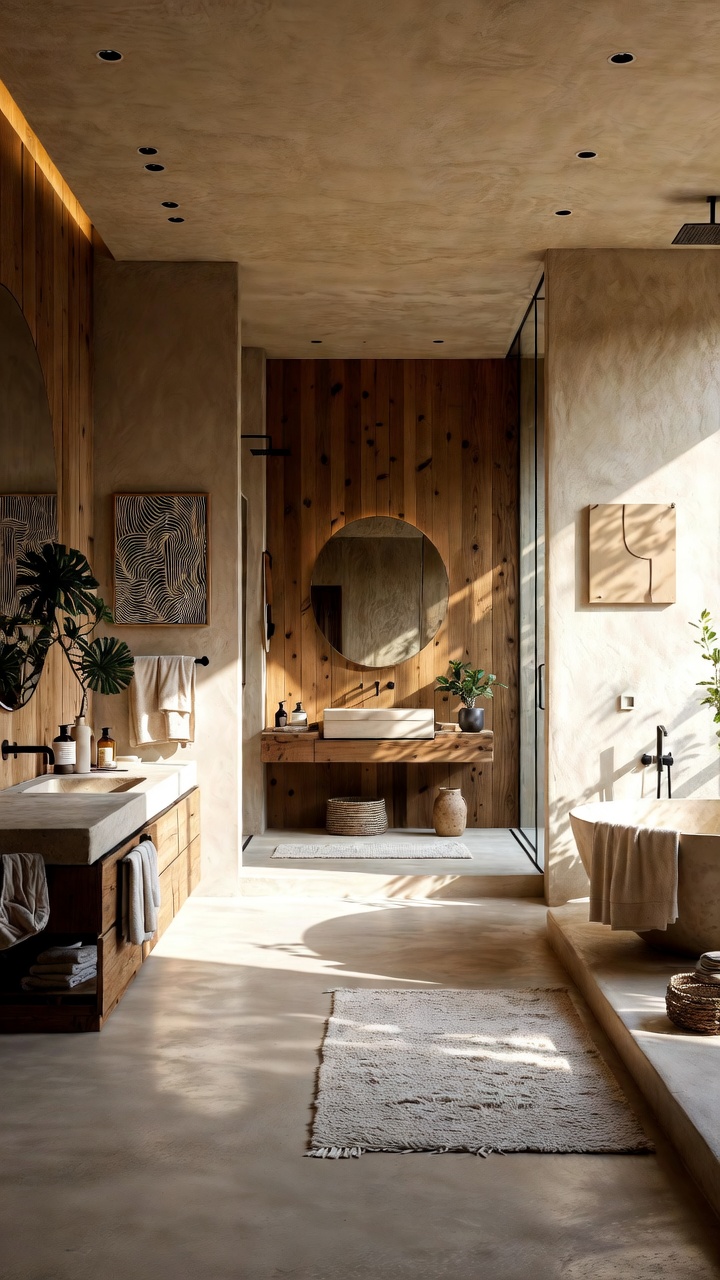 Details matter03Make it yours04
Review every detail before sharing.
Bring scenes, captions and music into one video project. Adjust the order and timing on the timeline until everything feels right.
Small changes0:03Feel at home0:07Let light in0:04Before & after0:02Review every detail before sharing.
Bring your ready content into a calendar. Choose a time and review each publication. Connect Instagram to schedule your Stories.
Your content. Your schedule.
From a first thought to something worth posting. Keep the meaning, the visuals and the plan together.
Start with a topic. Review the script, generate your images and bring a complete series together.
Explain a service, compare options or share useful advice in a carousel people can save.
Bring the topic, scenes, captions and music together on a timeline you can edit.

You didn’t start a business to spend all day answering the same questions. Prepare the routine replies — and make time for the conversations that matter.
Start with one scenario
You choose what gets published and how the conversation starts. Review each step before it reaches your audience.
Add your professional account and grant the permissions your scenarios need.
A keyword, a comment on a chosen post, or a Direct message.
Review the message and buttons. Enable the scenario when it’s ready.
Direct replies, keyword responses and comments on selected posts. You can also schedule ready Stories in the content calendar.
You write the message, choose the keywords and set the buttons. Preview your flow before switching it on.
Sending messages and publishing require a professional Instagram account and the necessary Meta permissions. Live availability depends on your connection status.
Yes. Review the script first, then start image generation. Check the finished series and its scheduled time before publishing.
There are tools for Stories, posts and Reels, from the topic and script to images and a video project.
Start with one reply, one post, one good idea.
Get started
price?
ReplyHi! 💜 We’ve sent the price list in Direct. Let us know if you have any questions!
ReplyReplies to selected comments automatically.